Librino
Manage book details and reading records in one place.
Librino is a Windows app that imports bibliographic details from a URL or ISBN and stores them on your PC with covers, reading status, ratings, tags, and notes.
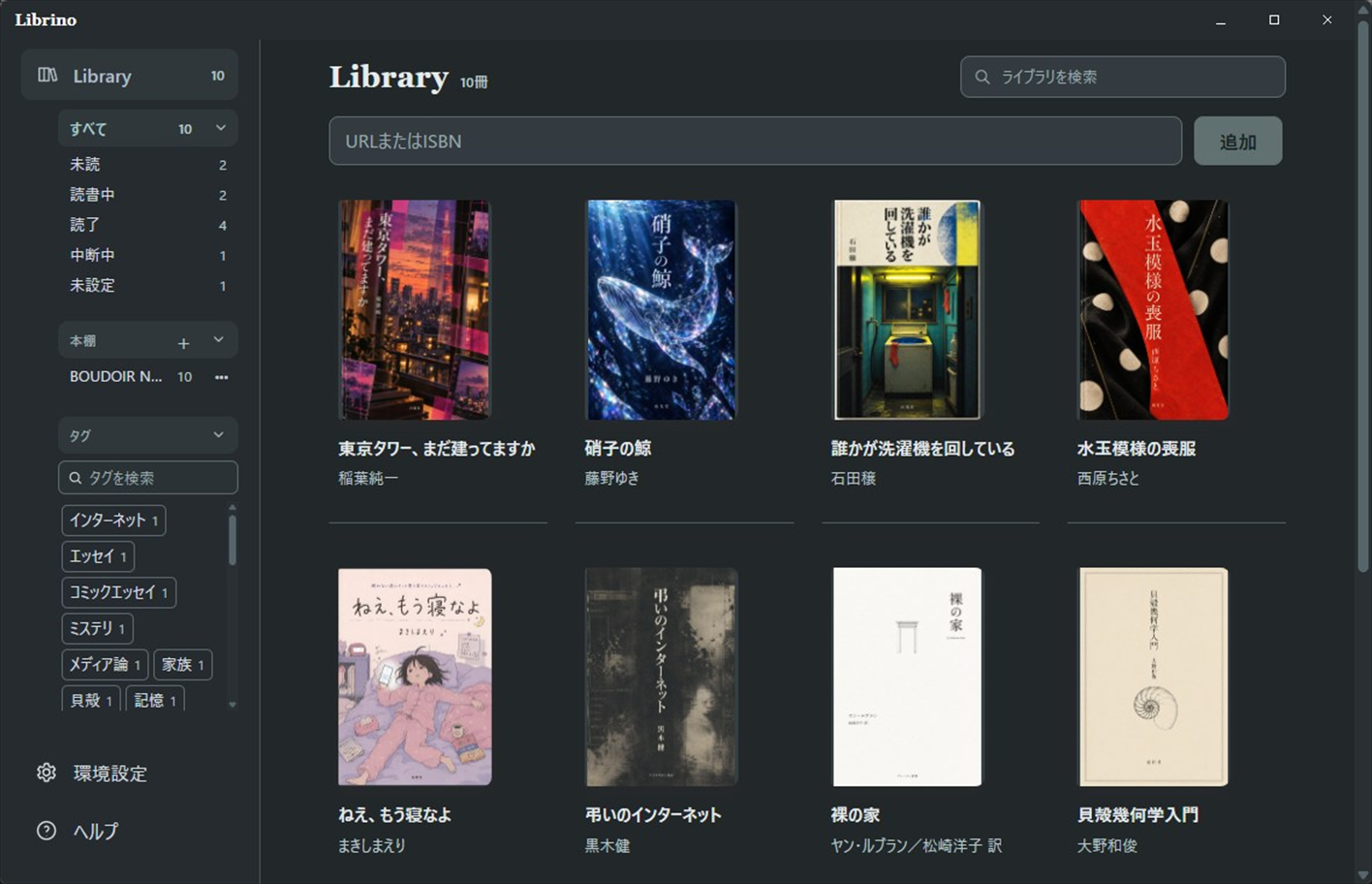
Product views
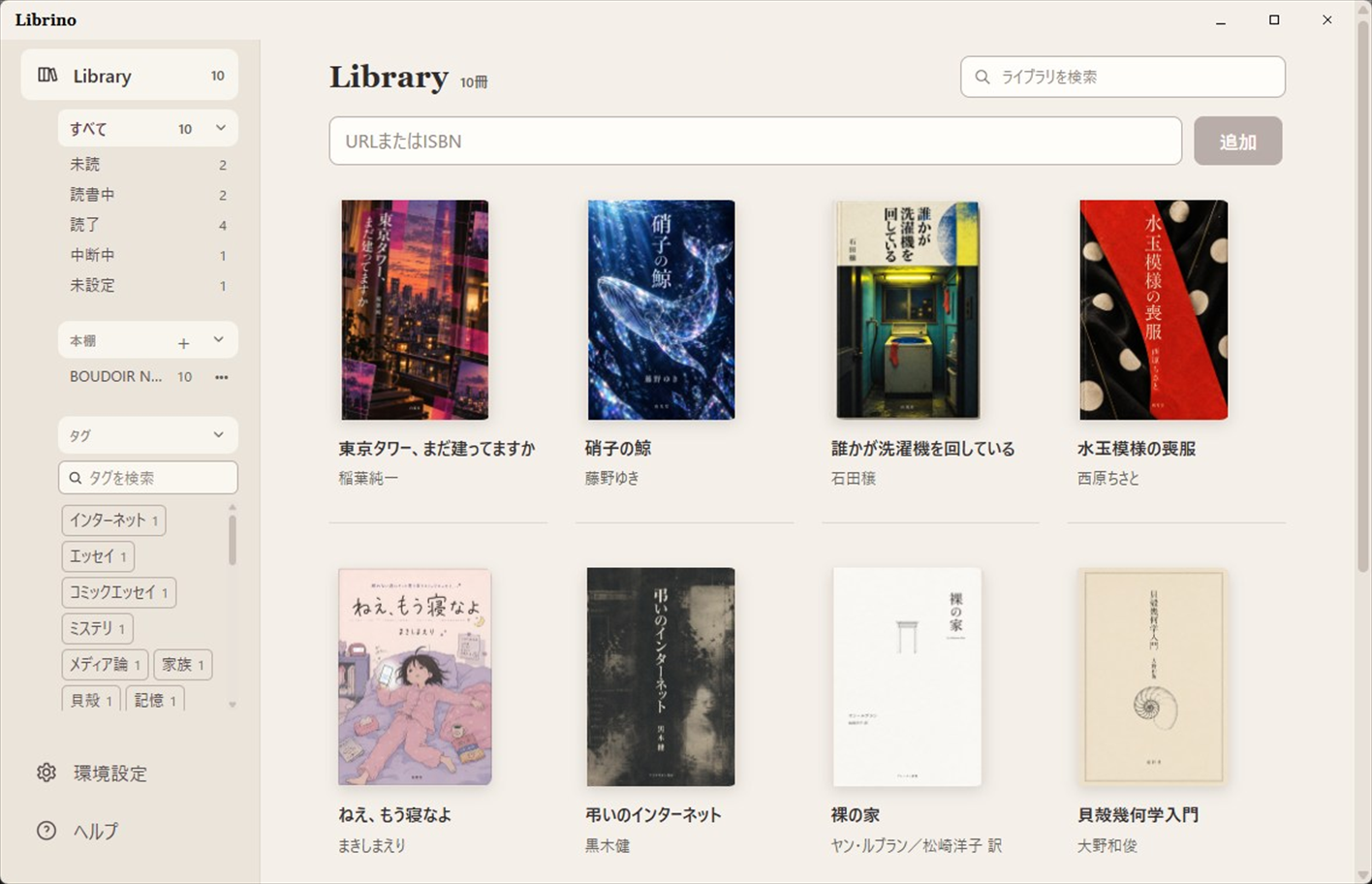
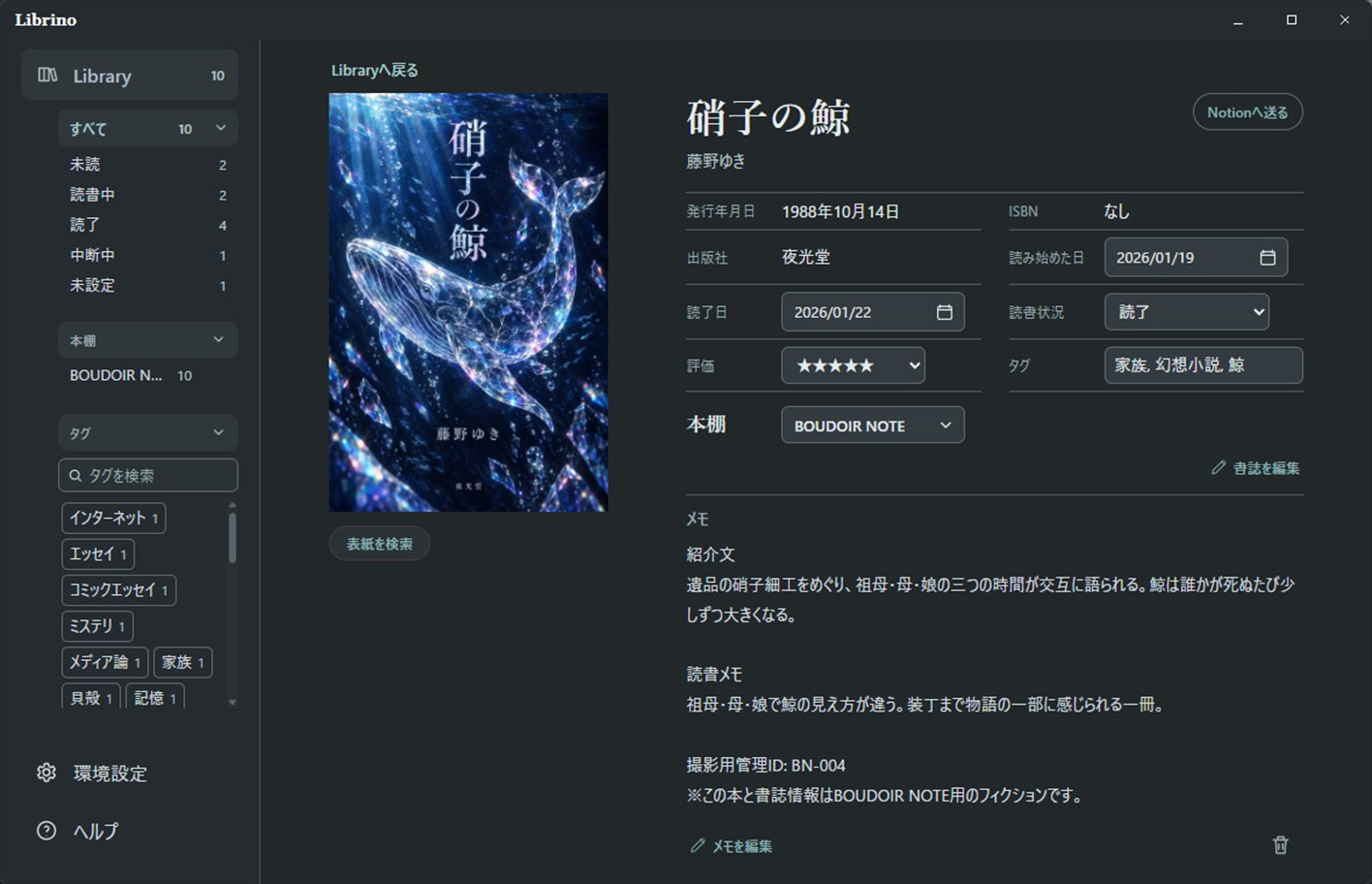
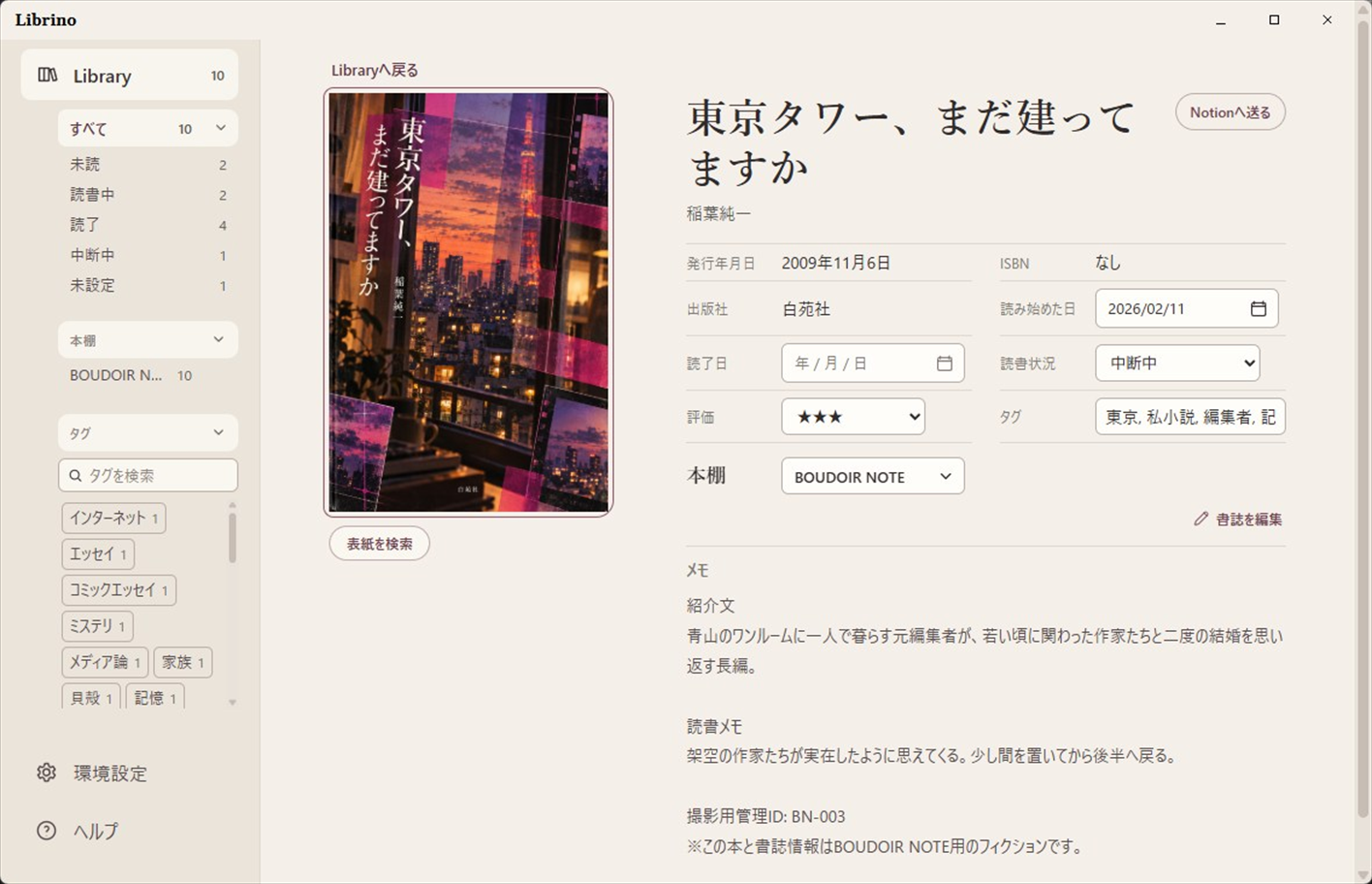
Screenshots
About
Import book details and store them on your PC
Import title, author, publisher, publication date, and other details from a product-page URL at Amazon, Kinokuniya, Rakuten Books, Yodobashi, Barnes & Noble, or Waterstones, or from a print book ISBN.
Imported books and reading records are stored in the Library on your PC. Librino has no ads, subscriptions, in-app purchases, or built-in generative AI.
Microsoft Store
Available now with a 15-day free trial
Librino is available from Microsoft Store with a 15-day trial of all features. The trial does not convert to an automatic charge.
The launch price is ¥400 through November 19, 2026 at 12:00 a.m. JST. The regular price is ¥700 after the promotion. Prices and availability may vary by market.
Library
Record reading status and notes for each book
Record reading status, ratings, tags, start and finish dates, and notes for each book. Create multiple bookshelves and place the same book on more than one shelf.
- Search by title, author, or tag
- Filter by Unread, Reading, Finished, Paused, or Not set
- Organize with bookshelves and tags
- Search for a cover or paste an image from the clipboard
Backup & export
Back up and export your Library
Back up and restore your Library, covers, and settings as a ZIP file. Librino automatically saves the current Library before a restore. Export reading records as CSV, JSON, or Markdown.
Optional connections
Connect Notion and MCP-compatible apps
Send selected books to Notion manually. Librino does not synchronize automatically; a transfer runs only when you start it. The original records remain in Librino after the transfer.
Connect the Library to MCP-compatible apps such as Codex or Claude Code. Sharing memo contents requires explicit permission for each connection.
Privacy
Storage and network connections
Book details, reading records, tags, notes, covers, and settings are stored on your PC by default. Librino connects to external services only as needed when you retrieve book details, search for covers, send books to Notion, or use an MCP connection. See the Privacy Policy for details.
Requirements
System requirements
If WebView2 Runtime is missing, Librino's startup message can open Microsoft's free official download page.
- Windows 10 version 2004 or later, or Windows 11
- x64
- Microsoft Edge WebView2 Runtime
- Japanese and English interface
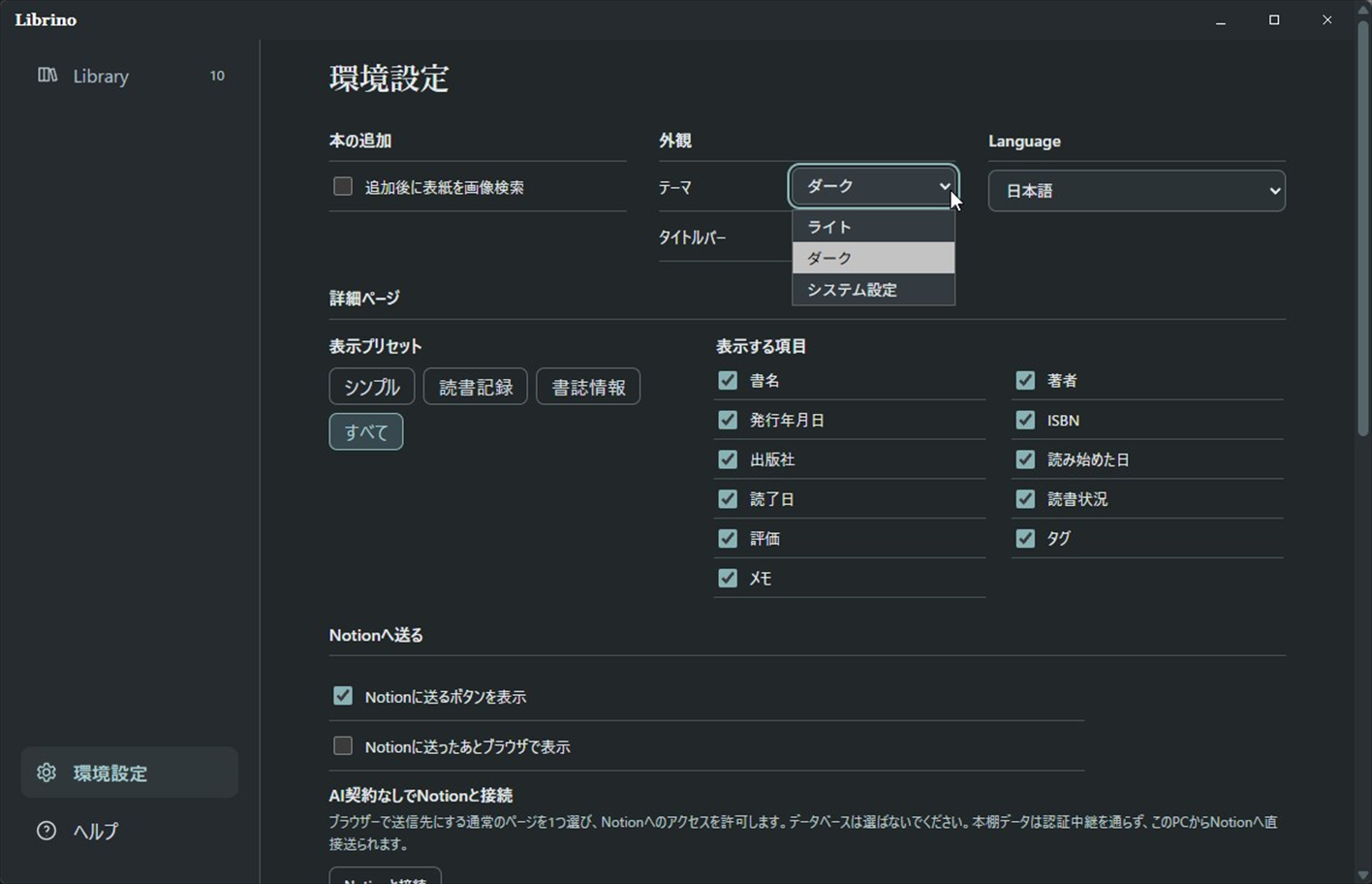
- Light, Dark, and System themes